
Subscription
How to subscribe, manage your plan, and cancel
Manage your Deliverables AI subscription from your profile settings.
View plans and pricing
For current plan details, pricing, and feature comparisons, visit our pricing page.
Subscribe
- Select your profile icon in the upper right
- Select Subscriptions
- Select + Subscription
- Choose your plan
- Complete checkout through Stripe
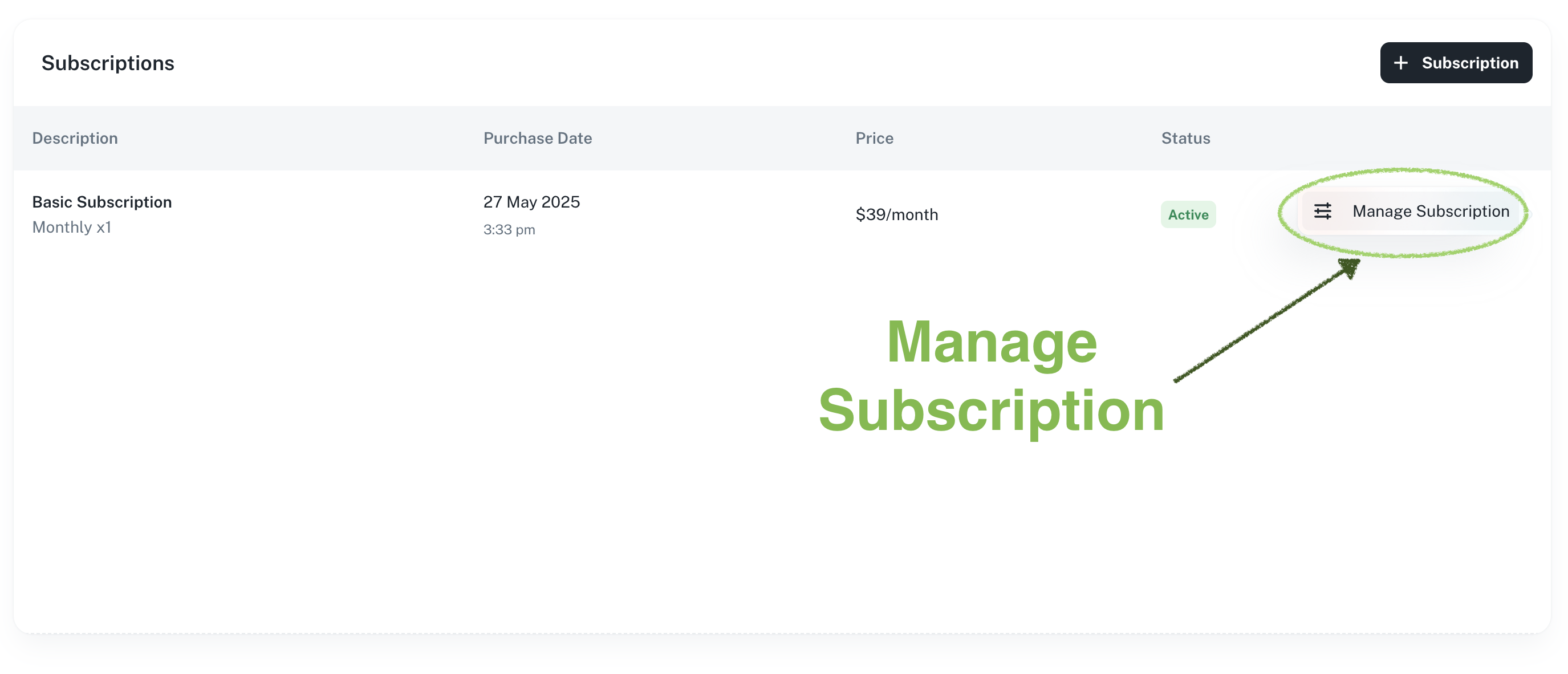
Manage your subscription
View or change your subscription:
- Select your profile icon
- Select Subscriptions
- View your current plan and billing details
From here you can upgrade, downgrade, or add additional credit packages. Changes take effect at the start of your next billing cycle.
Cancellation
Cancel your subscription at any time:
- Select your profile icon
- Select Subscriptions
- Select Cancel on the subscription you want to end
Your credits remain available until the end of the current billing period.