
Your generated files
View, download, and manage your presentations and documents
View, download, and manage the presentations and documents created from your sources.
View your deliverables
All deliverables generated in your project appear in the Deliverables column. Select any deliverable to preview it before downloading.
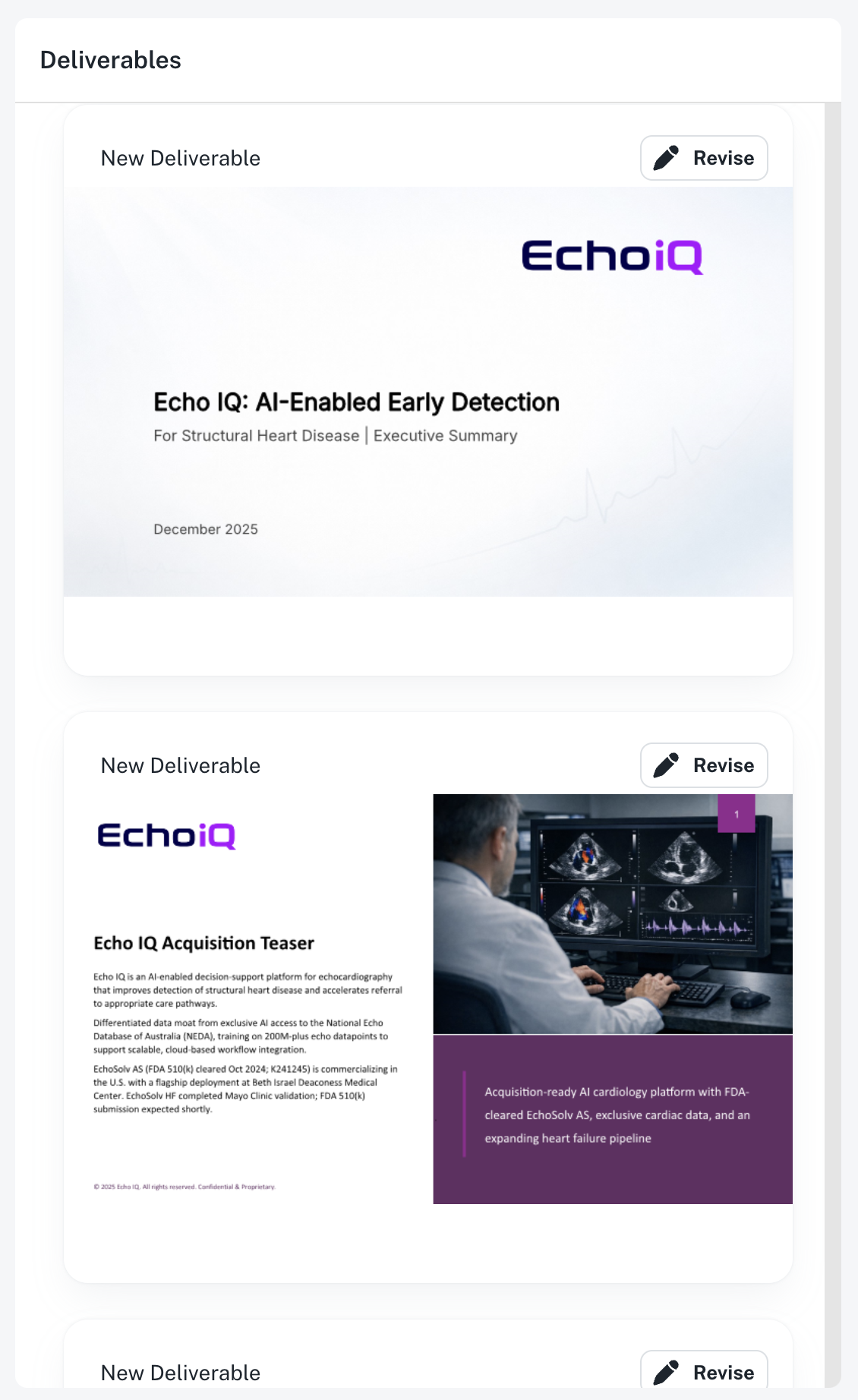
Each deliverable shows:
- Name and type - Presentation or document
- Agent - The agent that created it
- Date and status - When it was generated (in progress, completed, or failed)
Deliverable types
Presentations
Slide decks in PowerPoint format with professional-grade quality:
- AI-selected layouts
- Custom icons and illustrations
- Cited content from your sources
- Brand-appropriate styling
Documents
Written documents in Word format:
- Structured content with clear sections
- Data and analysis from your sources
- Citations for all claims
- Professional formatting
What's included
Every deliverable includes:
- Content from your sources - The agent synthesizes information from everything you uploaded
- Web research - Additional context from Deep Research
- Citations - Every claim links back to its source
- Professional design - Layouts, icons, and styling are handled automatically
Download your files
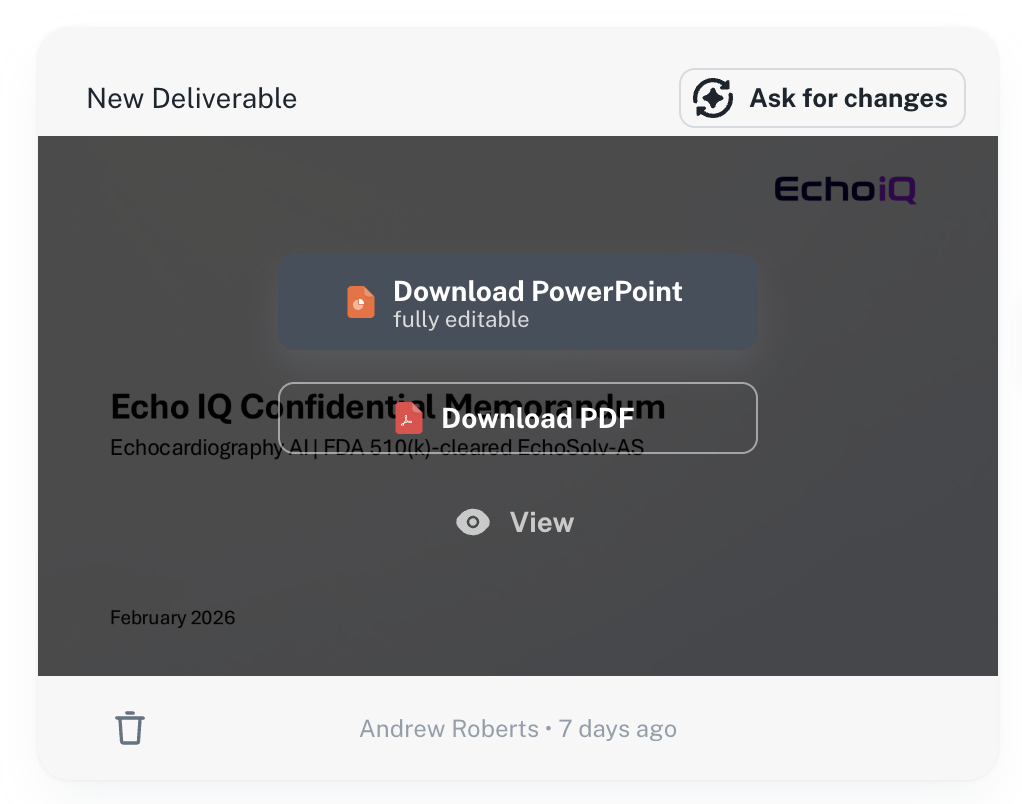
When your deliverable is complete, download buttons appear directly on the card:
- In the Deliverables column, find your completed deliverable
- Download buttons are displayed over the preview:
- Download PowerPoint (.pptx) or Download Word Document (.docx) - fully editable
- Download PDF - ready to share
- View - preview the full deliverable before downloading
- Select your preferred option
Available formats
| Type | Formats |
|---|---|
| Presentations | PowerPoint (.pptx), PDF |
| Documents | Word (.docx), PDF |
After downloading
Your downloaded files are complete, editable documents:
- PowerPoint files - Open in PowerPoint to make final adjustments, add your logo, or customize slides
- Word files - Edit content, adjust formatting, or add additional sections
- PDF files - Ready to share or print as-is
Download as PowerPoint or Word first, make your edits, then export to PDF if you need a final version.
Manage deliverables
Delete deliverables
Delete deliverables you no longer need to keep your project organized:
- Select the deliverable you want to delete
- Select the delete option
- Confirm the deletion
Deleting a deliverable is permanent. Download any files you need before deleting.
Regenerate deliverables
If you need a fresh version:
- Update your prompt if needed
- Select Generate to create a new deliverable
The new deliverable appears alongside the original (unless you delete it).
Organization tips
- Delete old versions - When you've finalized a deliverable, delete earlier drafts
- Use descriptive project names - Makes it easier to find deliverables later
- Download before deleting - Always save important files locally before removing them
Troubleshooting downloads
If a download doesn't start:
- Check your browser's download settings
- Try a different browser
- Make sure the deliverable status shows "Completed"
If the deliverable shows "Failed", try generating it again or contact support.