
Create your first deck
Step-by-step walkthrough from creating a project to downloading your finished deck
Get from data to a professional deck in minutes. Here's how to create your first deliverable.
Step 1: Create a project
- Go to app.deliverables.ai
- Select Create New Project
- Name it something descriptive, like "Project Atlas CIM" or "Acme Corp Management Presentation"
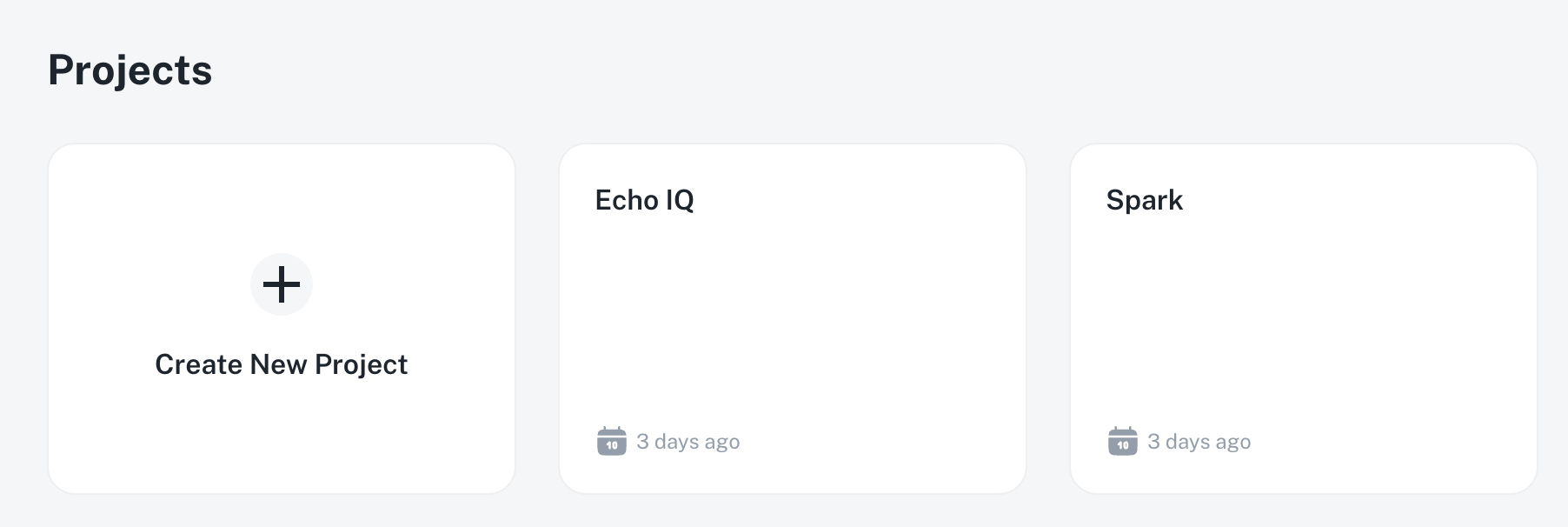
Step 2: Add your sources
Select Add in the Sources panel to upload the data you want the AI to work with:
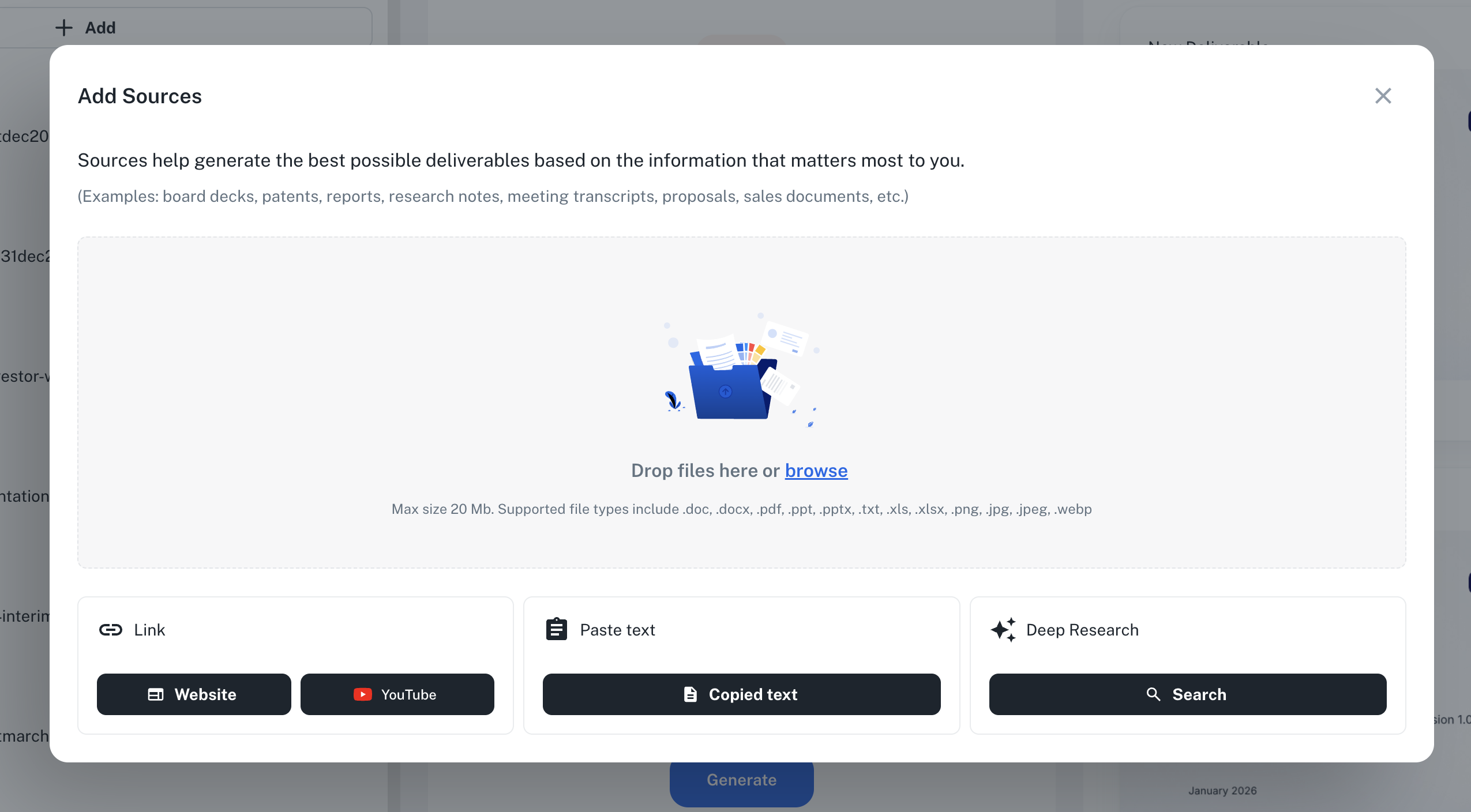
- Files - Drag and drop or browse for PDFs, Word docs, PowerPoints, Excel files, and images
- Link - Add a website URL or YouTube video to pull in external content
- Paste text - Copy and paste text directly from any source
- Deep Research - Let AI search the web and find additional information automatically
Start with your core documents: financial statements, management interviews, company overviews, and market research. You can always add more sources later.
Step 3: Confirm Presentation Maker is selected
In the top right of the middle column, use the Select agent dropdown to make sure Presentation Maker is chosen. It's the default, so you usually won't need to change it — but this is where you'd switch to a document agent or a custom agent if you needed different output.
If you're getting a Word document when you expected PowerPoint, check this dropdown — you likely have a document agent selected instead of Presentation Maker.
Step 4: Enter a prompt and generate
In the prompt field, describe what you need:
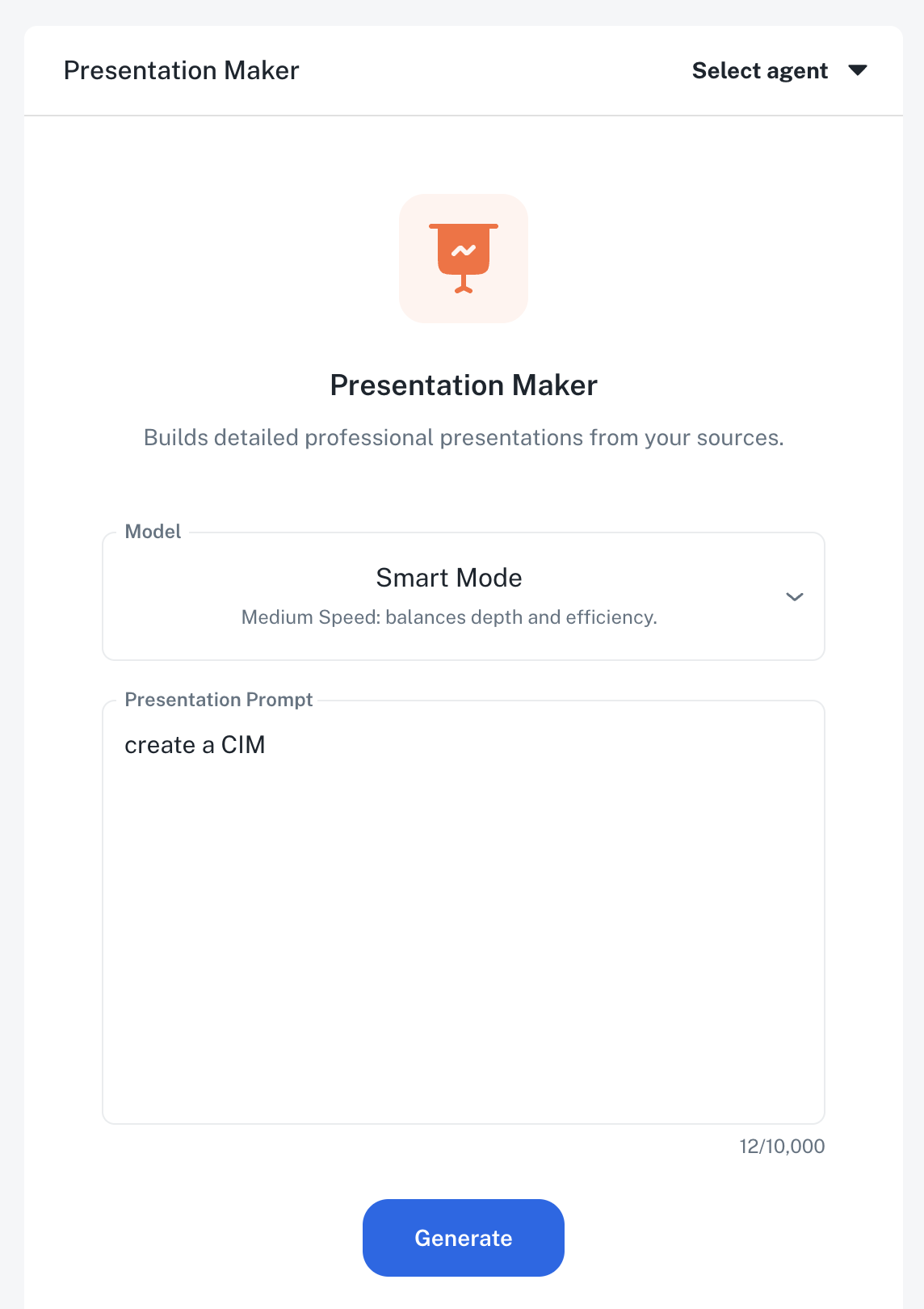
- Who is the audience?
- What's the purpose of the deck?
- What key points should be included?
The more specific you are, the better your results. Then select Generate to create your deck.
Step 5: Download and edit
Your deck will typically be ready in 15-30 minutes depending on complexity.
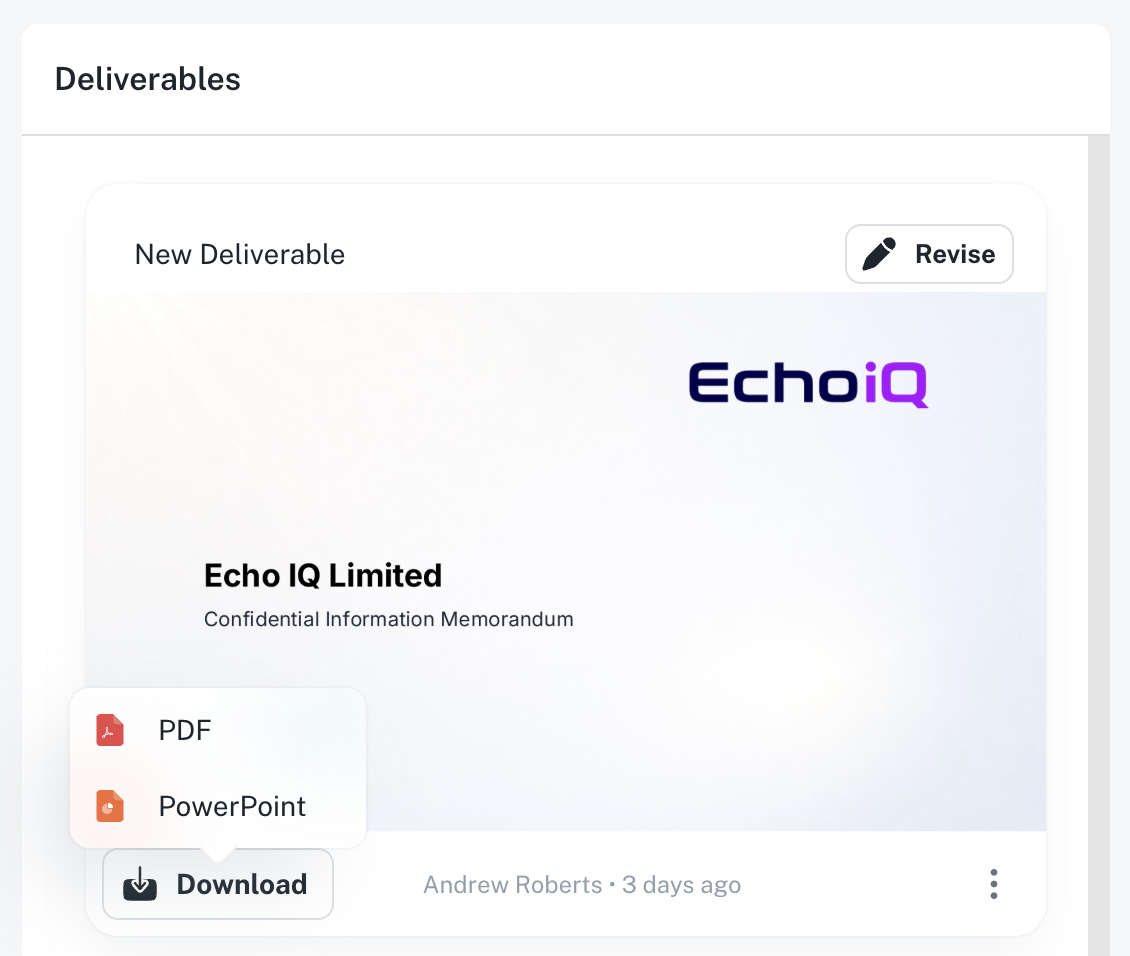
Once complete, download buttons appear directly on your deliverable card:
- Download PowerPoint - Get the fully editable .pptx file
- Download PDF - Get a ready-to-share version
- View - Preview the full deck first
You get a real, editable PowerPoint file. Add your logo, tweak the copy, rearrange slides. It's your deck to finalize and share.
Step 6: Review and finalize
Deliverables AI gets you roughly 90% of the way to a finished deck. The final 10% is where your team's expertise shines—and it replaces weeks of building from scratch with a focused review session.
What to check before you deliver:
- Citations — Every factual claim is cited. Verify the sources are accurate and current.
- Data accuracy — Confirm key figures (revenue, headcount, market size) match your source documents.
- Images — Swap any AI-generated images that don't fit your narrative or brand.
- Tone and phrasing — Adjust language to match your firm's voice and your client's expectations.
- Formatting — Fine-tune spacing, alignment, or slide order in PowerPoint.
Think of it like reviewing a first draft from a strong analyst—the research and structure are done, and you're adding the finishing touches that only you can provide.